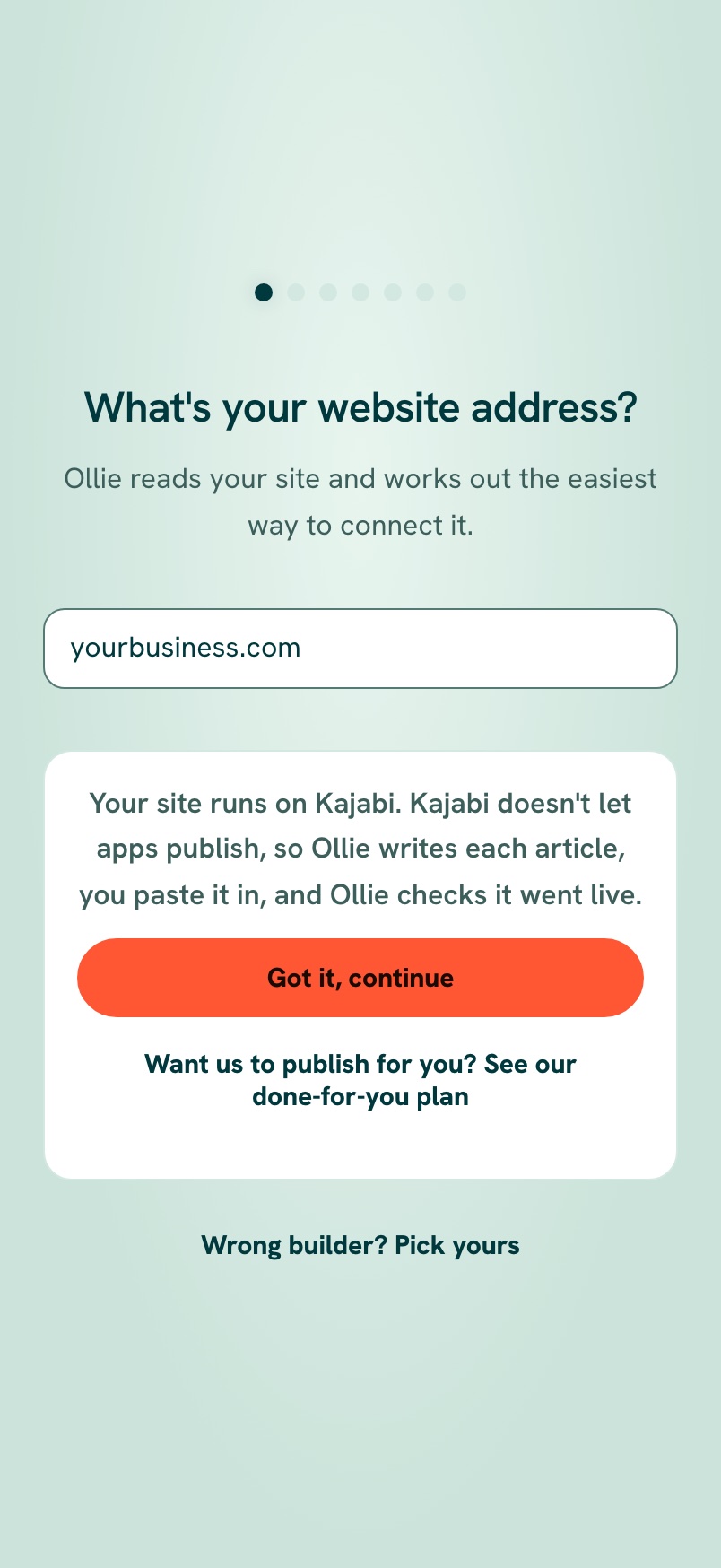
Kajabi doesn't let any app publish, even ours. On All Eight, add access@runoctopus.com as an Assistant (it can't see your payments) and our team publishes for you. On other plans, you copy each article from your AI Vault and Ollie checks it went live right.
The short version. Switch to Full article for every detail.
Kajabi keeps outside apps from posting. So either our team does it for you by hand (All Eight plan), or you paste each article in yourself and we check it worked.
The plain version, no background needed. Switch to Full article for every detail.
Kajabi doesn't let any outside app publish posts or pages, even ours. So how you connect depends on your plan.
On the All Eight plan: our team does it for you
You add our team's address, access@runoctopus.com, as an Assistant. Kajabi says an Assistant can create and edit content, but can't open your Settings, Analytics or Payments.
Kajabi says only the account owner, a Co-owner or an Administrator can add users. If that's not you, share this page with the account owner.
- In Kajabi, go to Settings, then Manage Users.
- Click New User.
- Fill in a name (like
RunOctopus Team) and the emailaccess@runoctopus.com. Kajabi also asks you to make a password for the new user. Keep it to yourself; don't email it to anyone. Our team will set up the sign-in safely with you. - Pick the role Assistant. A switch called Payments Management Access appears: leave it off.
- Under Sites, tick your site.
- Click Save.
- In RunOctopus, tap I've added you. We connect it within one business day and publish for you from then on.
On other plans: copy from your AI Vault
Ollie writes each article ready to copy from your AI Vault. You paste it into Kajabi, tap I published it, and Ollie checks it went live right. Want us to publish for you instead? That's included in our All Eight plan.
If something doesn't look right
- No Manage Users? Your login can't add users. Ask the account owner.
- Anything else, tell us in the app. We're here, and we'll do everything Kajabi allows.
What happens next
Head to Install your content to see how your first pieces get onto your site.
Was this page helpful?